Learn
Set up your world
Turn part types on or off, add a field to one, and see where that choice ends up on disk.
You know which of the nine kinds of part your world uses, and how to change that for a new project.
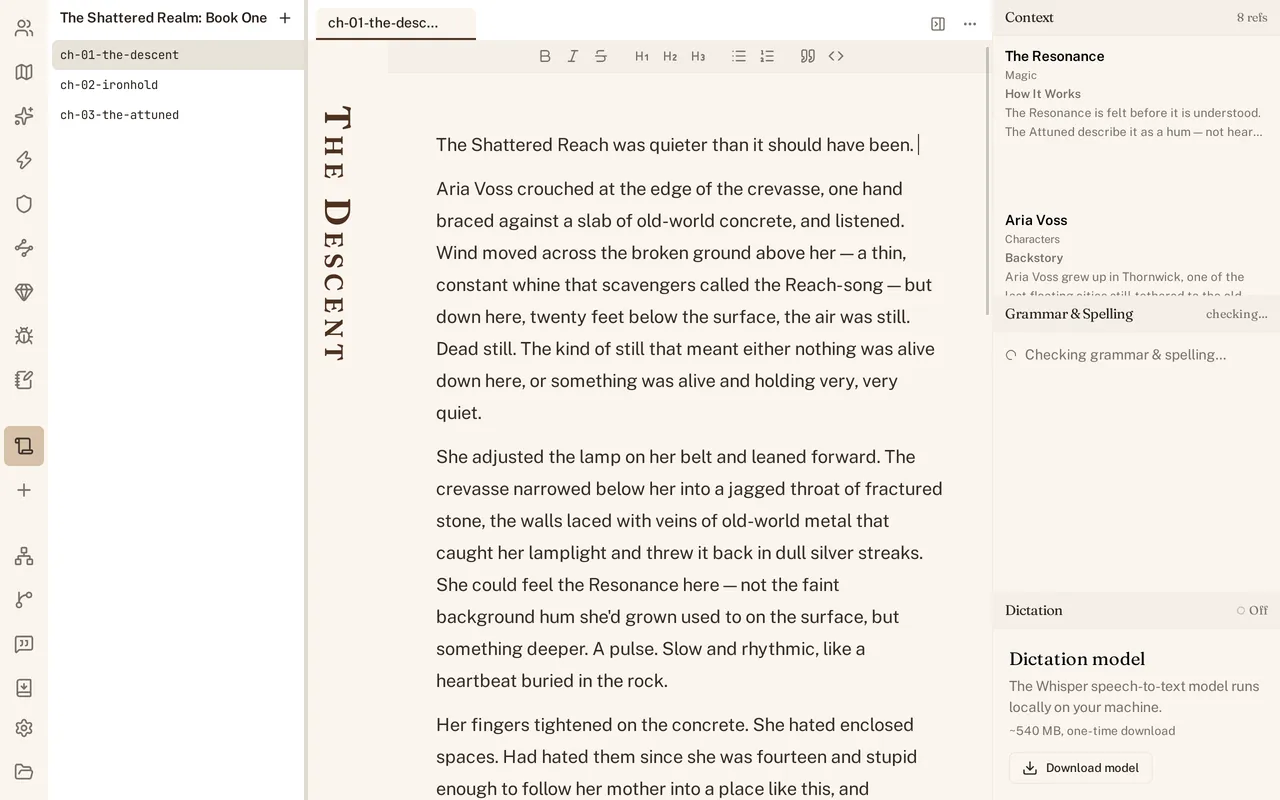
The nine kinds of part
A World Builder project can hold nine kinds of part: Characters, Locations, Magic, Technology, Religions, Groups, Items, Species, and Research Notes. A template turns some of these on for you; a Fantasy Novel project starts with Magic and Species enabled, a contemporary story has no obvious use for either. See Getting started for what each template brings.
Turn a kind off
Open Settings (Cmd+,) and find the part types page. Each kind has a switch. Turn Magic off for a contemporary novel and its icon disappears from the navigation rail; turn it back on later and nothing you already wrote is lost, only hidden while it was off. This is a per-project choice, not a global one - two projects on the same machine can enable different sets.
Add a field to a kind
Every kind of part starts with a template’s default fields, but you are not stuck with them. From the same settings page you can add a field to a kind - a “Ship class” field on Technology for a science fiction project, say - and every part of that kind gets the new field to fill in, existing parts included.
Where the config lives on disk
Turning a kind on or off, or adding a field, is not a hidden app preference. It is written into world.yaml, the same file that names your world, so it travels with the project folder and shows up in your revision history like any other change you made. See Your files on disk for the rest of that layout.