Learn
Linking prose to your world
Type @ mid-sentence to link a character or place, and watch it flag itself the moment the thing it points to is gone.
You can link a mention in your prose to the real part behind it, and trust it to tell you when that link breaks.
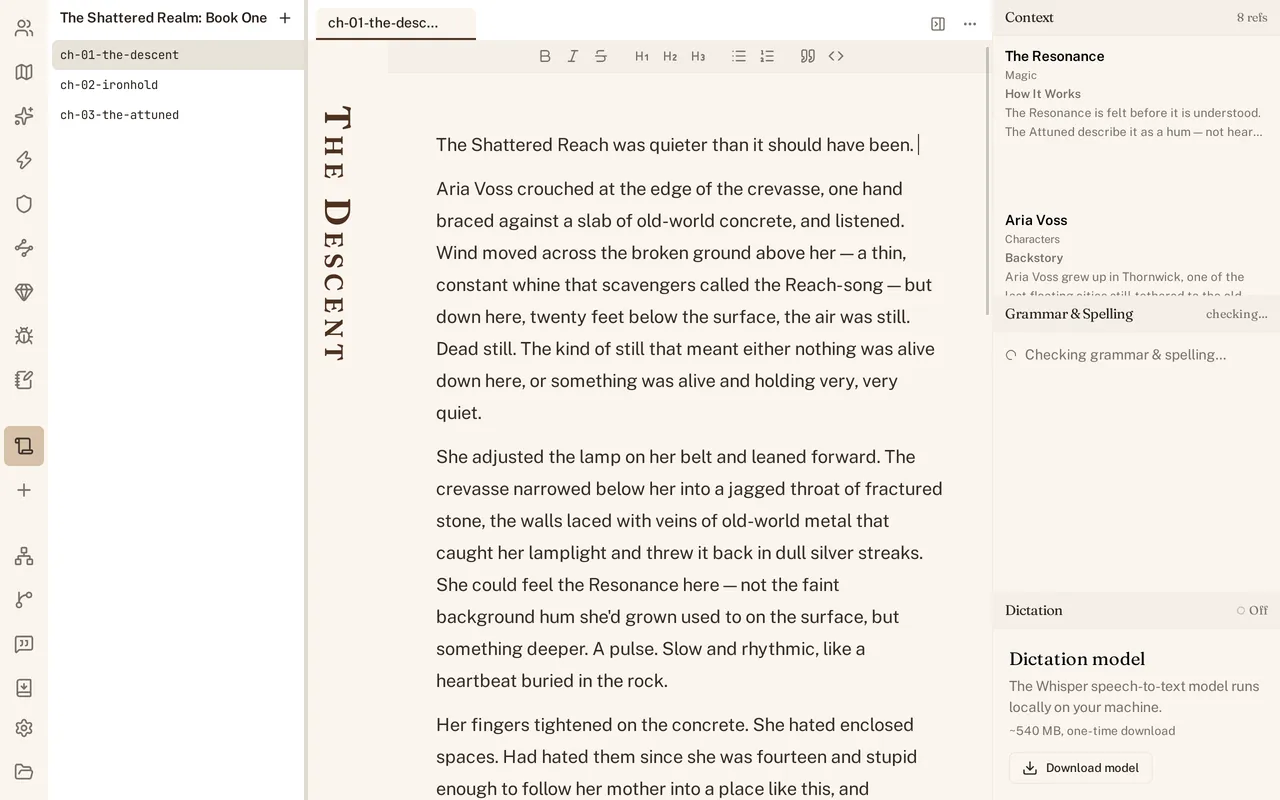
Type @
Type @ in the middle of a sentence and World Builder offers to link a character, place, or any other part of your world right there in the text. Pick one and it becomes a small pill in the prose instead of plain words - still readable as your character’s name, but now pointing at the real part behind it.
What a link looks like on disk
The pill is not a picture or a popup bolted onto the page; it is a reference saved into the chapter’s Markdown, next to the words you typed. Open the file in a plain text editor and the reference is still there, still readable, even though it does not render as a pill outside World Builder.
When the target is gone (dangling)
Delete the character or place a mention points to, and the pill does not quietly keep showing the old name as if nothing happened. It flags itself as dangling, a different look from a resolved link, so a mention of someone you deleted three chapters ago does not slip past you unnoticed.
Renaming
Because a link points at the part itself, not at the words you typed that day, renaming the part updates what every linked mention resolves to. Rename a character in her own file, and every @-linked mention across your manuscript follows without you touching the chapter text.
See Relationships and the graph for another way the parts you link connect to each other, and Context while you write for how these same @ mentions feed the pane beside your prose.