Learn
Your files on disk
Every project is Markdown and YAML in a folder, under real git, that you can open, edit, move, or back up like any other files.
You know what is actually in your project folder, what happens when you edit a file outside World Builder, and how to back it up.
The folder layout
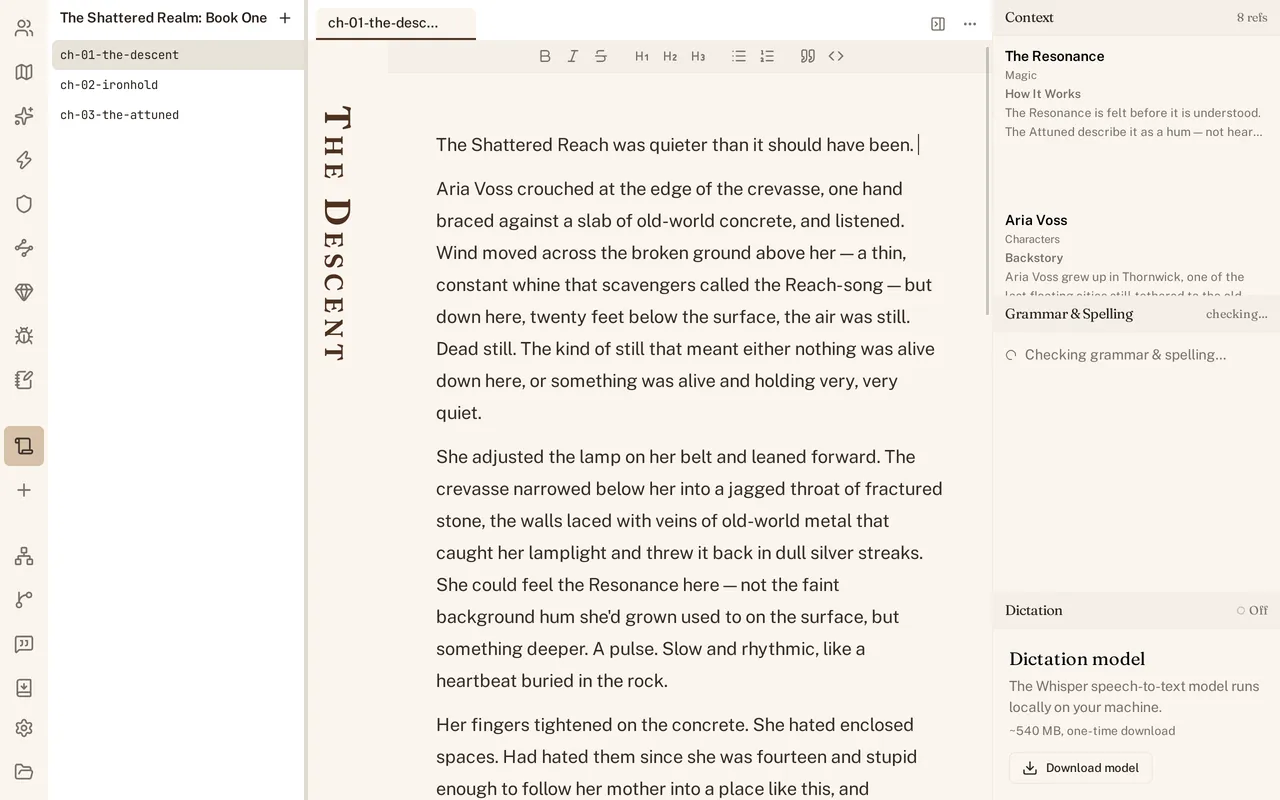
world.yaml sits at the top of every project, naming your world. Beside it is one folder per kind of part your project has turned on, characters/, locations/, magic/, and the rest, each holding one file per part. manuscripts/ holds your manuscripts, and each manuscript’s folder holds its chapters. Every one of these files is Markdown or YAML, nothing proprietary, nothing that needs World Builder open to read.
Editing a file in another app (the ~400 ms re-hydrate)
Nothing stops you from opening a chapter or a character file in another editor while the project is open in World Builder. Save your change there and World Builder notices, it re-reads the file and reflects your edit within a fraction of a second, not on your next restart. You do not have to close World Builder to edit a file by hand, and you do not have to reopen the project to see the result.
What Git holds
That .git folder is not decoration, it is where every revision actually lives: the full history, one commit per revision, with its own diff. World Builder reads and writes that history itself; it does not shell out to a git binary on your machine, and it never pushes anywhere. Nothing about the history depends on you having git installed at all, though anything that speaks git can read it.
Moving or backing up the folder
Because a project is only files, Markdown, YAML, and a .git folder, nothing pointing outside itself, you can copy it, zip it, move it to another drive, or sync it to a backup, the same way you would any folder. There is nothing to reconnect and nothing that only works from its original location.
See Revisions for how to read that history from inside World Builder, and Getting started for what a fresh project’s folder looks like on day one.