Learn
Reviews
A review is not a popup that vanishes. It is a folder in your project, and a human editor's notes can live there too.
You can find last month's review again, and bring a human editor's notes into the same place your own reviews live.
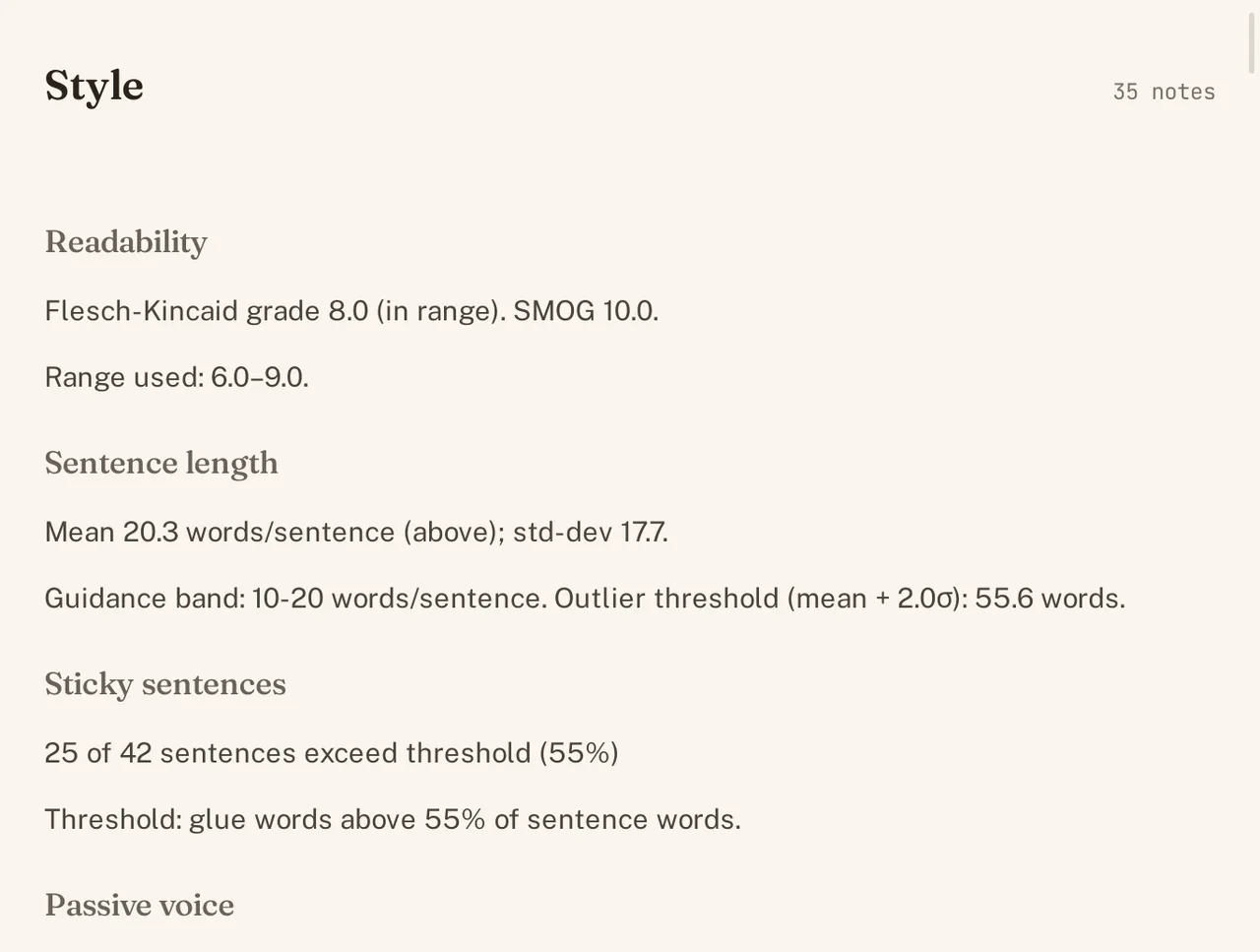
A review is a folder in the project
Run an editorial review and it does not disappear once you close the tab. Every review is saved into its own folder inside your project, under reviews/, holding the report itself alongside the metadata that says what generated it and when. Nothing about a review lives only in memory; close World Builder entirely and the folder is still sitting on disk when you reopen it.
Open last month’s review
Because a review is a real folder, not a transient result, it is still there whenever you want it back. Open the Reviews section from the navigation rail and last month’s pass sits alongside this week’s, exactly as it read the day it ran, useful for checking whether a later draft actually fixed what an earlier review flagged. You are not re-running anything to look back at it; you are opening the same report again.
Import a human editor’s notes (review.yaml + markdown)
A review does not have to come from World Builder. The same folder structure, a review.yaml file describing the review, alongside markdown files carrying the actual feedback, is what a human editor’s notes look like too. Drop a beta reader’s or a copyeditor’s notes into that shape and they show up in the same Reviews section, reading in the same interface as a review the app generated itself, tagged as human rather than generated so you always know which is which. A project can hold both kinds side by side: a model’s pass from last week, and a human editor’s notes from before that, each in its own folder, neither overwriting the other.
See Editorial review for how a review gets generated in the first place, and Revisions for the separate history of every edit you have made.