Learn
Export
Export a manuscript or your whole world book as PDF, EPUB, or HTML, with a cover, a table of contents, and a style that suits a printed page.
You can export a finished manuscript or a reference book of your world, in the format and style you want, and find the file afterward.
World book or manuscript
Export comes in two shapes. Export a manuscript and you get your actual novel, chapter by chapter. Export the world book instead and you get a reference edition of your setting itself, characters, locations, and every other kind of part, laid out as its own book rather than folded into the story.
PDF, EPUB, HTML
Either one can come out as PDF, EPUB, or HTML, so the same content works as a print-ready file, an e-reader book, or a page you can open in a browser.
Styles (spine, spine-classic)
Two typeset styles are built in: spine and spine-classic. Each is a full set of page templates, one per kind of part, plus the surrounding matter, so a character entry and a location entry are laid out to match, and the whole book reads as one designed object rather than a dump of your files.
Cover, table of contents, colophon
A generated cover and table of contents are part of the export, not something you assemble after. At the back, a colophon can carry a stamp of which revision the export was built from, so a printed copy can tell you exactly which version of your world it came from.
Progress and cancel
A long export, a whole world book, say, shows its progress rather than leaving you staring at a spinner, and you can cancel it partway through if you started the wrong one.
Where the file goes
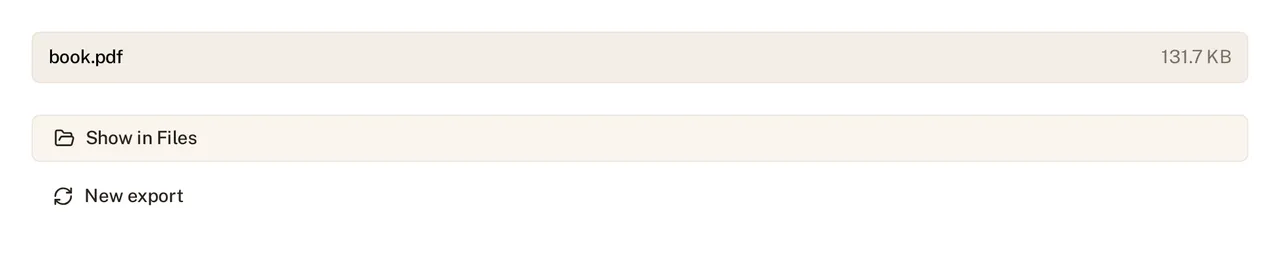
When an export finishes, you get the file’s name and size right there, and a Show in Files button that reveals exactly where it landed, no hunting through folders to find the PDF you just built.
See Your files on disk for how the rest of the project is laid out, and Set up your world for the part types that populate a world book.